UnsparkOwn utility · Mac on Apple Silicon · 2026
The star left the corner. The picture stayed whole.
My Gemini and Nano Banana generations come with a ✦ mark in the corner. Unspark finds it and repaints the corner with the local LaMa model, right on the Mac, offline.
Built it for myself end to end: the mark detector, the LaMa wrapper, the interface and the Mac app build.
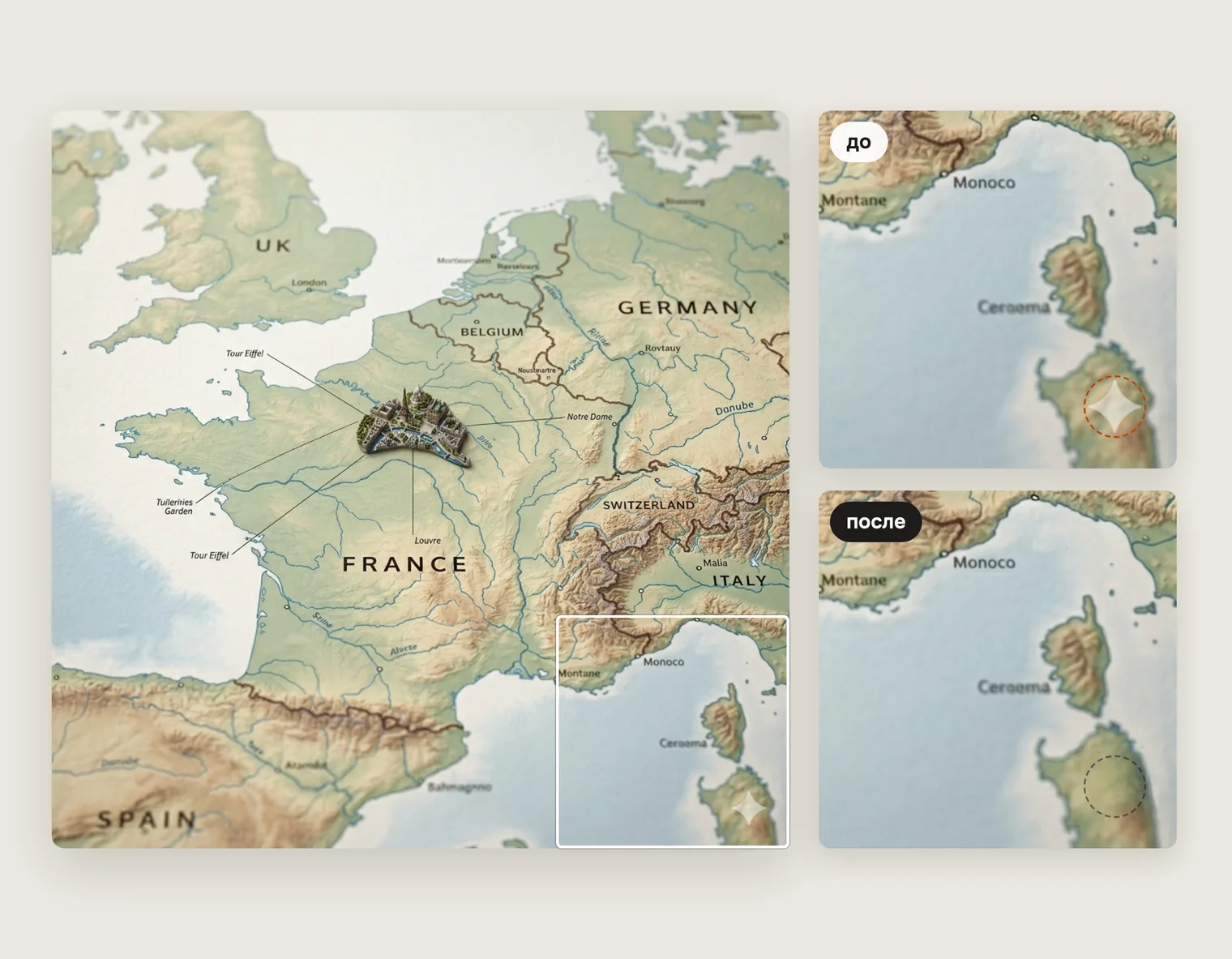
One corner, two ways
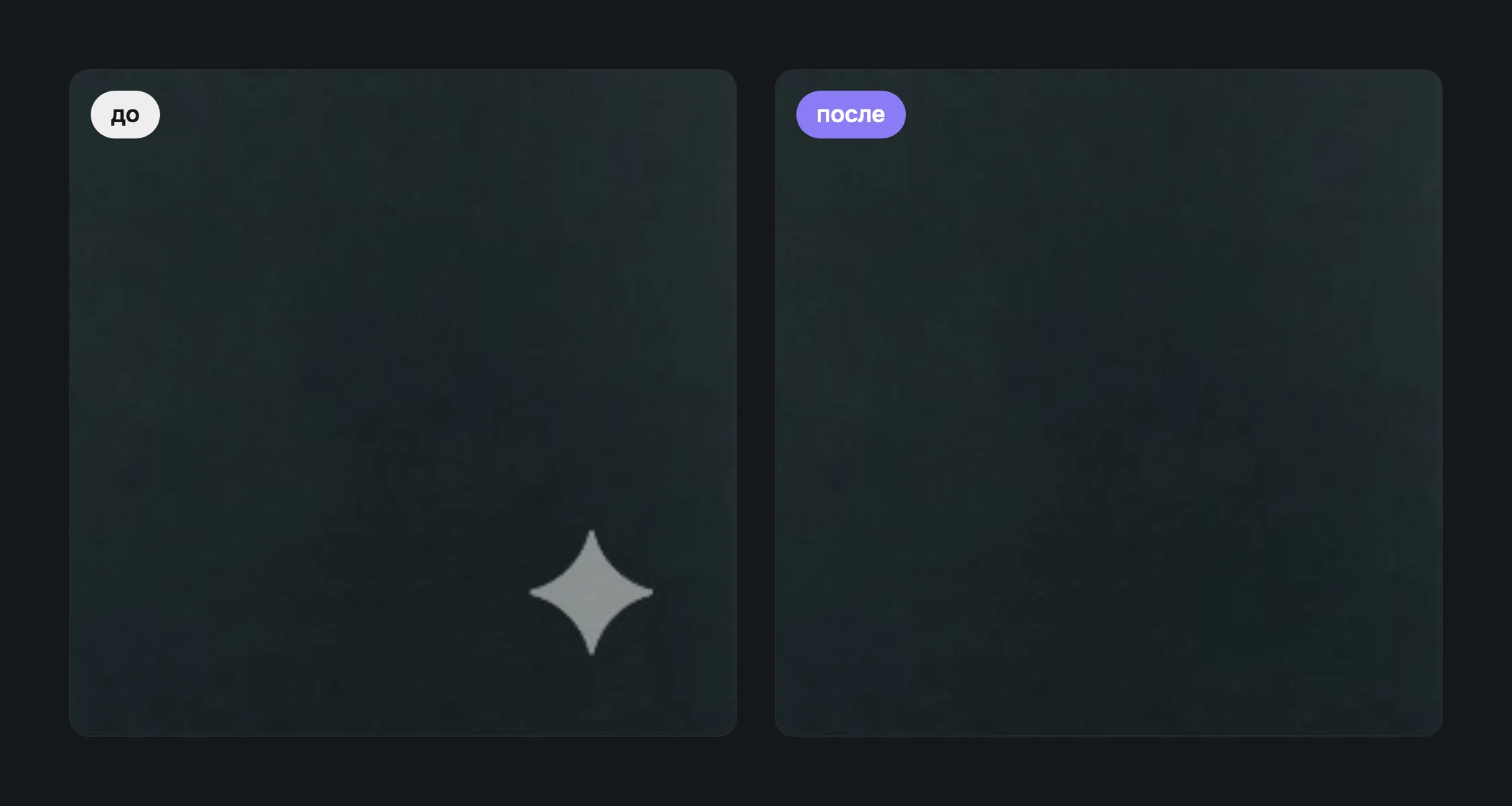
A map from the sample bundled with the app, 1024 × 1024- Crop the frame and lose its edge.
- Paint over it with a clone stamp in an editor, one image at a time.
- Upload the generation to some online service.
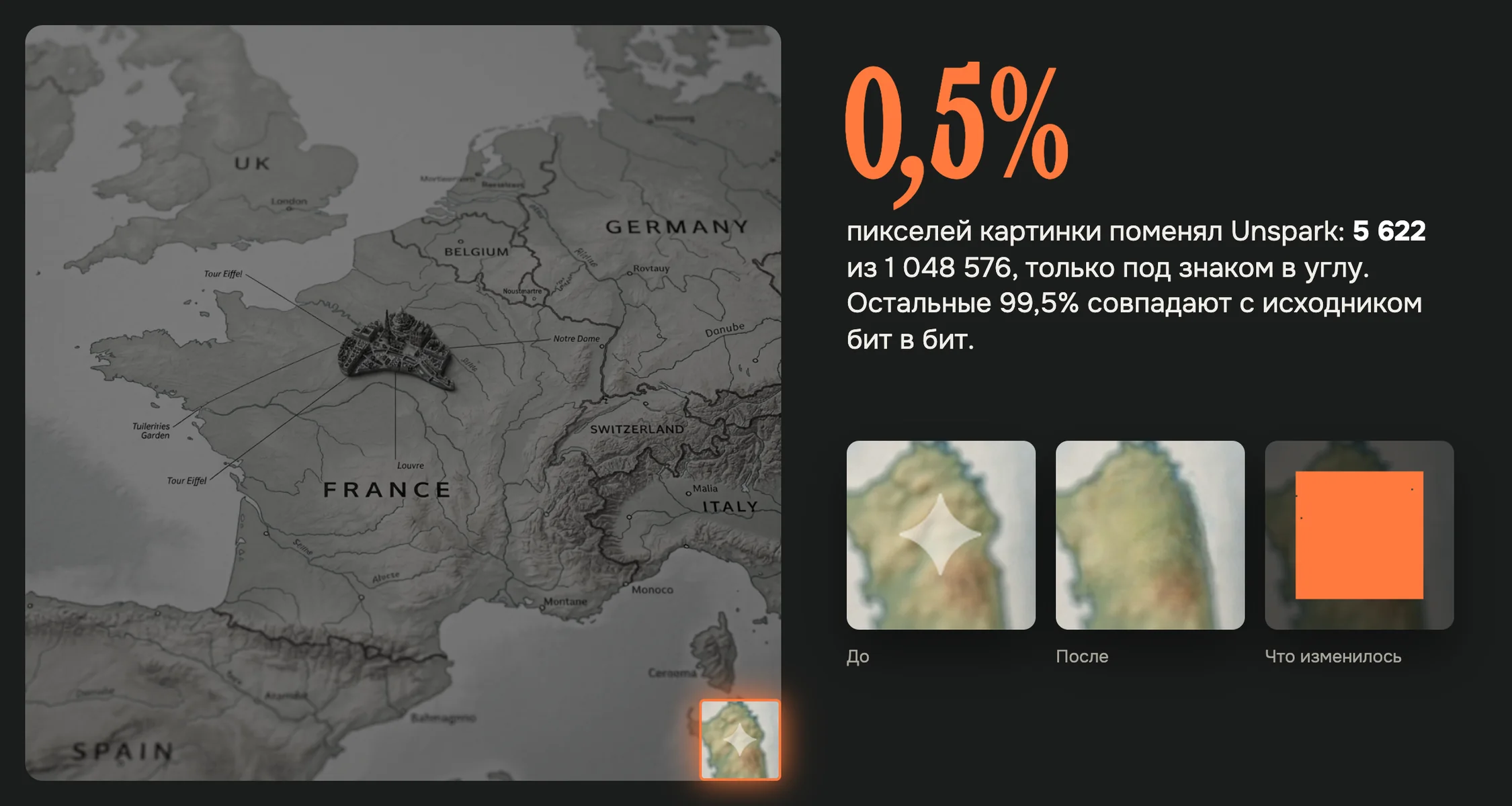
The detector finds the ✦ in the bottom-right corner, and the model repaints the terrain and the island's shoreline beneath it. The frame size stays the same: only the pixels under the mark differ, the rest match the original.
Why this isn't a clone stamp
The star can be gray on dark fabric or near white on a pale floor. The detector hunts the ✦ shape, not color, in the lower-right third after a background-muting filter.
LaMa sees the whole image, so it continues the terrain, shoreline or background noise under the mark. At 100% zoom there's no seam.
The model and weights ship inside the app, no network needed. It runs on the Apple Silicon CPU, no graphics card: 1024–1280 px in 7–12 seconds.
What it does
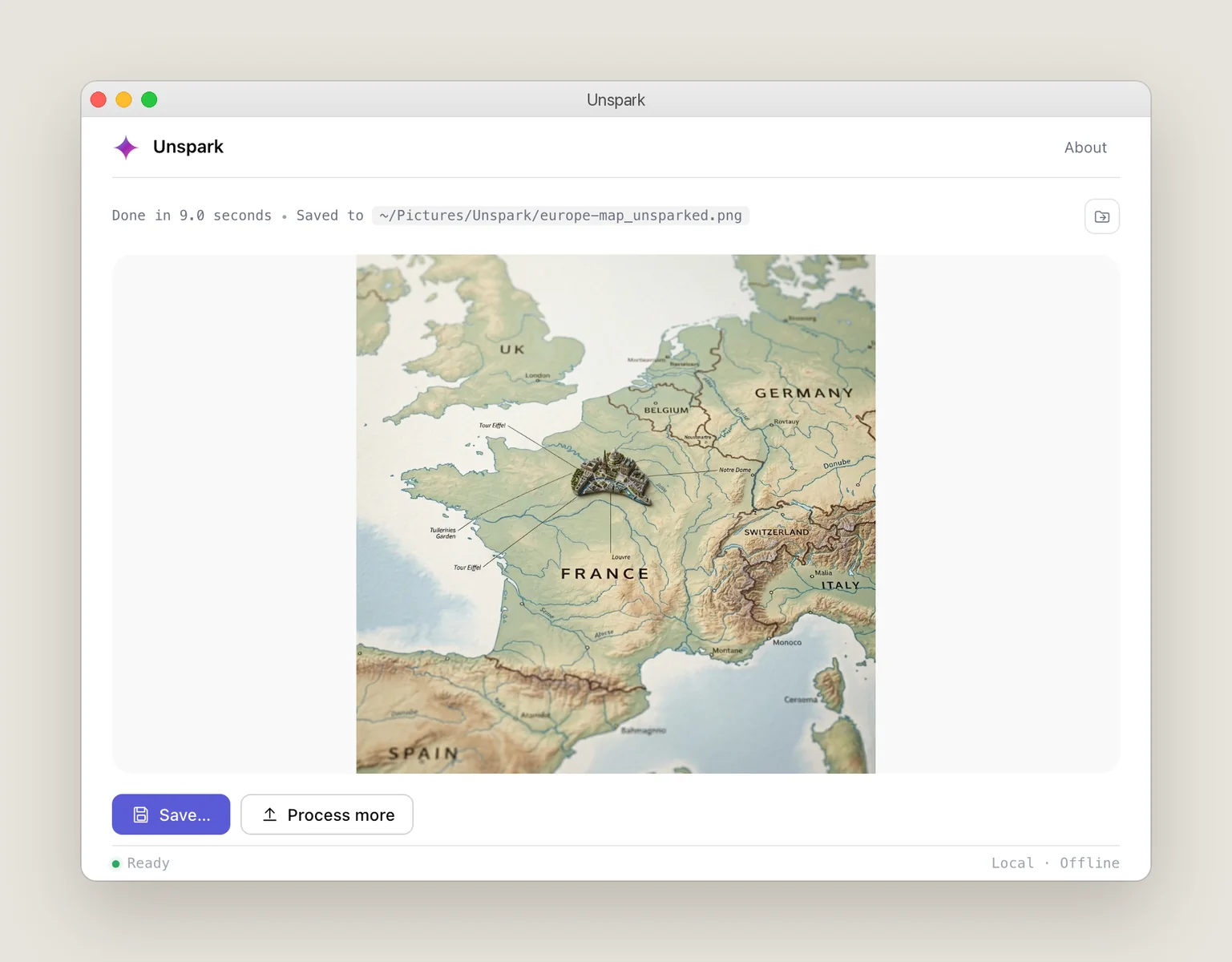
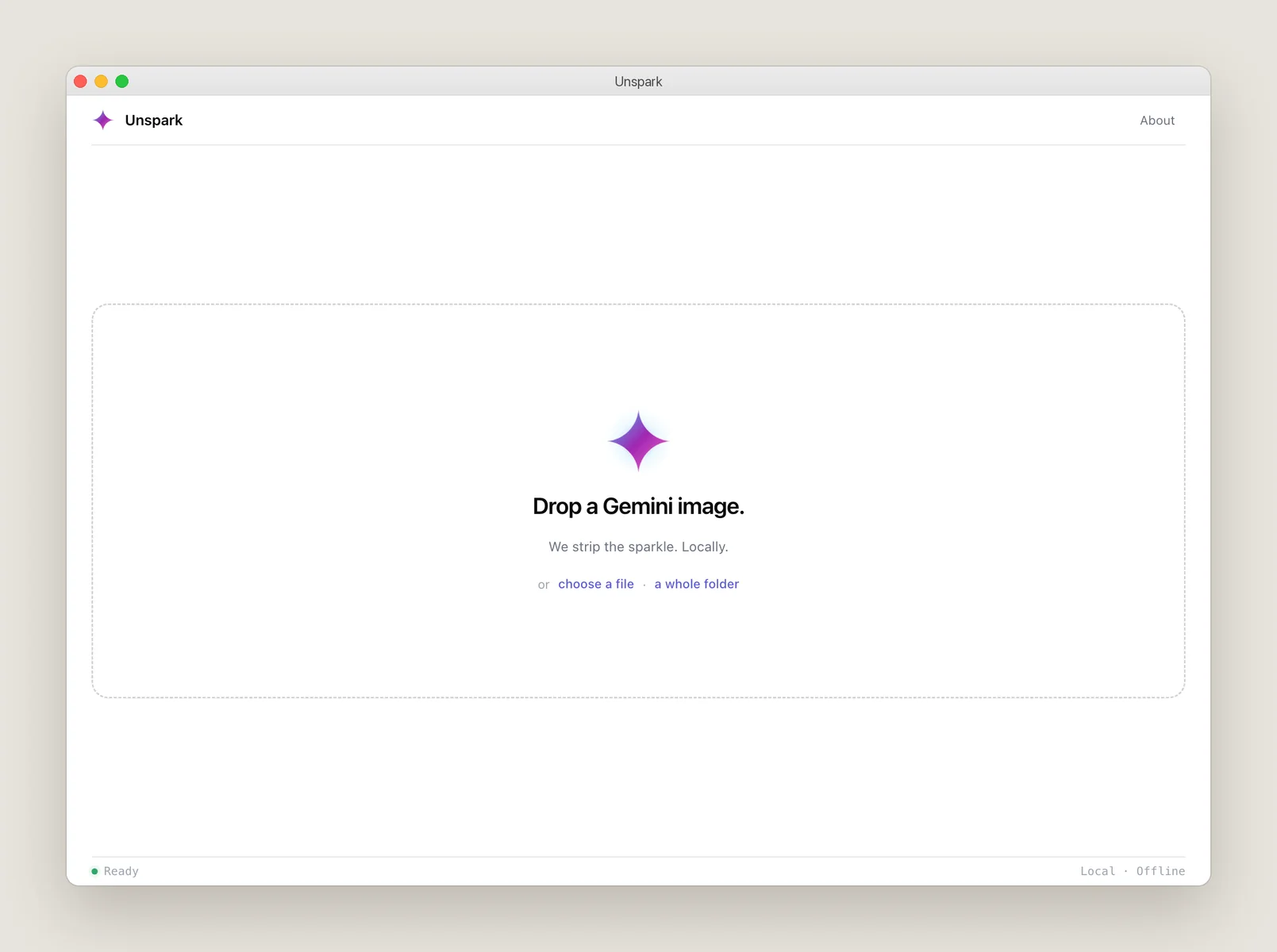
Drop one image or a whole folder, subfolders included.
The result lands alongside with an _unsparked suffix, the original unchanged.
If the detector isn't sure about the mark, it fills a fixed corner.
Everything outside the mark matches the original pixel for pixel.
Model weights inside the app, "Local · Offline" in the status bar.
Processing time, where it saved, and Save and Process more buttons.